
بِسْمِ اللّٰهِ

Application Process
A step-by-step guide to registering on the Rawdah LMS and enrolling onto the Micro Alumni Connect course — your first step toward a lifelong community of sacred knowledge.
Seven Simple StepsContinue your journey of sacred knowledge
The Micro Alumni Connect is an advanced, two-year programme designed exclusively for graduates of the three-year Micro-Madrasa. It is not a repetition of basics but a deepening of sacred knowledge across Qur’anic Exegesis, Prophetic Tradition, Spiritual Purification, and Applied Jurisprudence.
Registration takes just a few minutes. This guide walks you through every step — from creating your Rawdah LMS account to confirming your place on the course.
From sign-up to enrolment

Register on the LMS, apply for your course, and complete enrolment.
- 1
Visit the Rawdah LMS & register
Head to rawdahlms.com and select Register to begin creating your learner account.
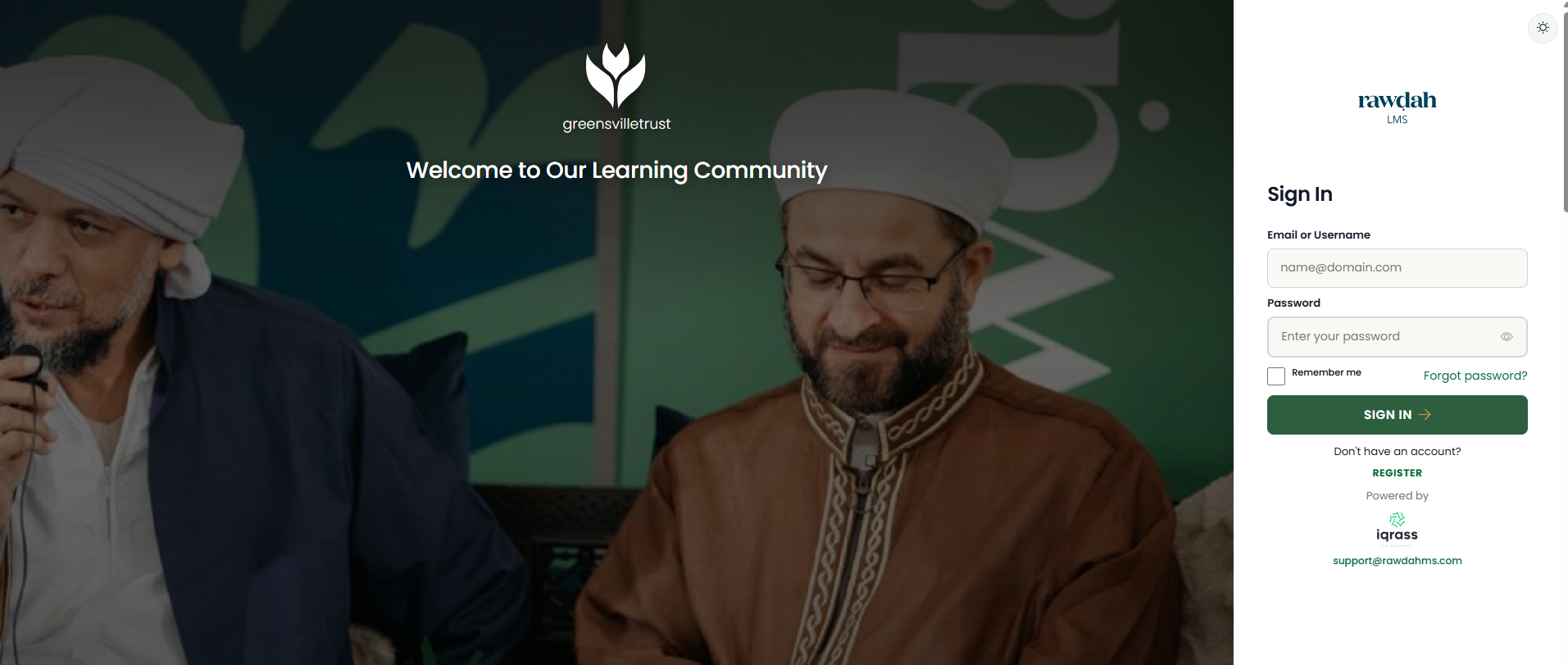
The Rawdah LMS sign-in screen — choose “Register” to get started. - 2
Complete your registration
Fill in your personal details to join the Greensville Trust learning community and create your learner profile.
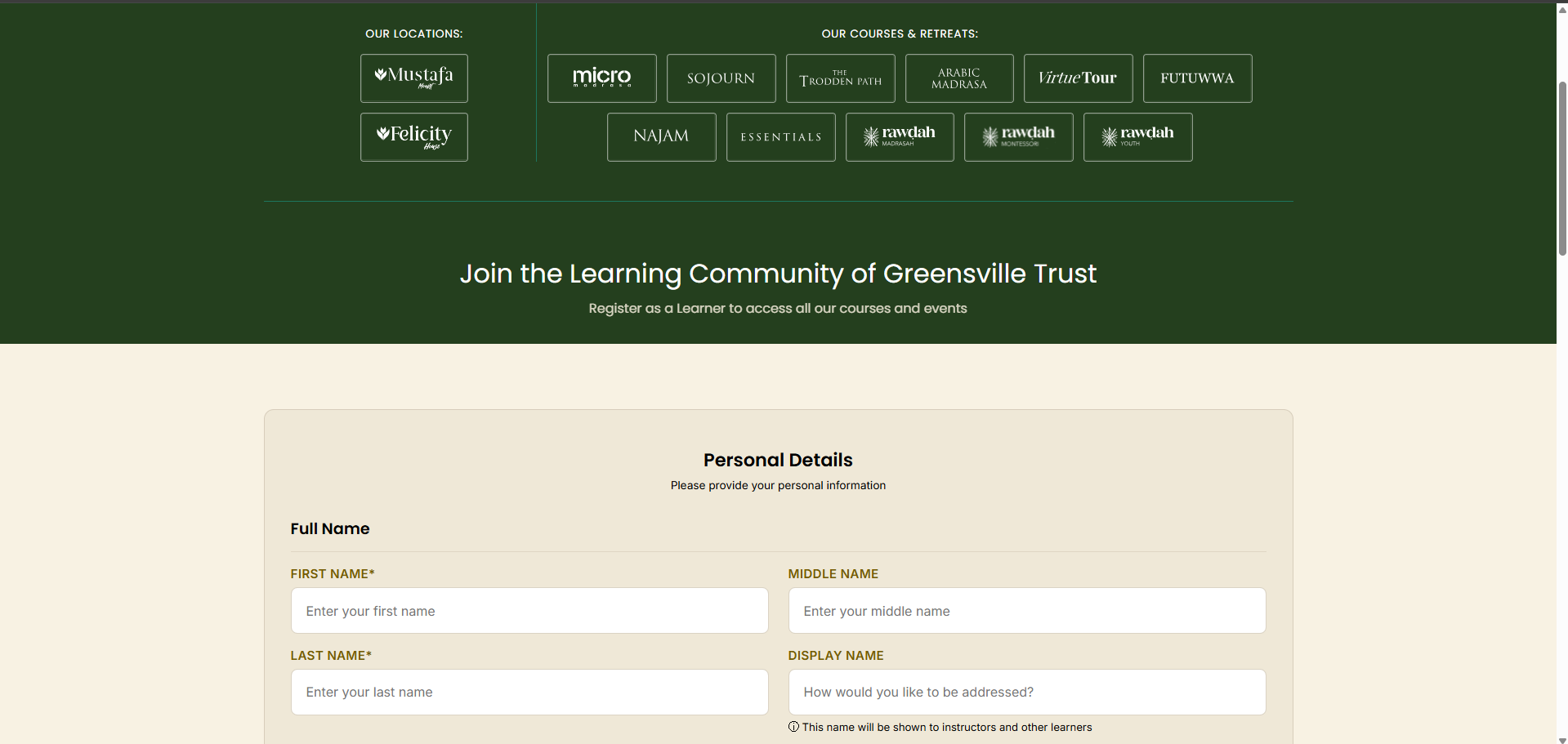
Enter your personal details to complete registration. - 3
Check your welcome email
Once registered, you’ll receive an email containing a temporary password to log in to the Rawdah LMS.
Tip: If you can’t find it in your inbox, please check your junk / spam folder.
- 4
Find the Micro Alumni Connect course
Use the filters to browse the alumni courses available — by category (Alumni Connect) and by location, including Bradford.
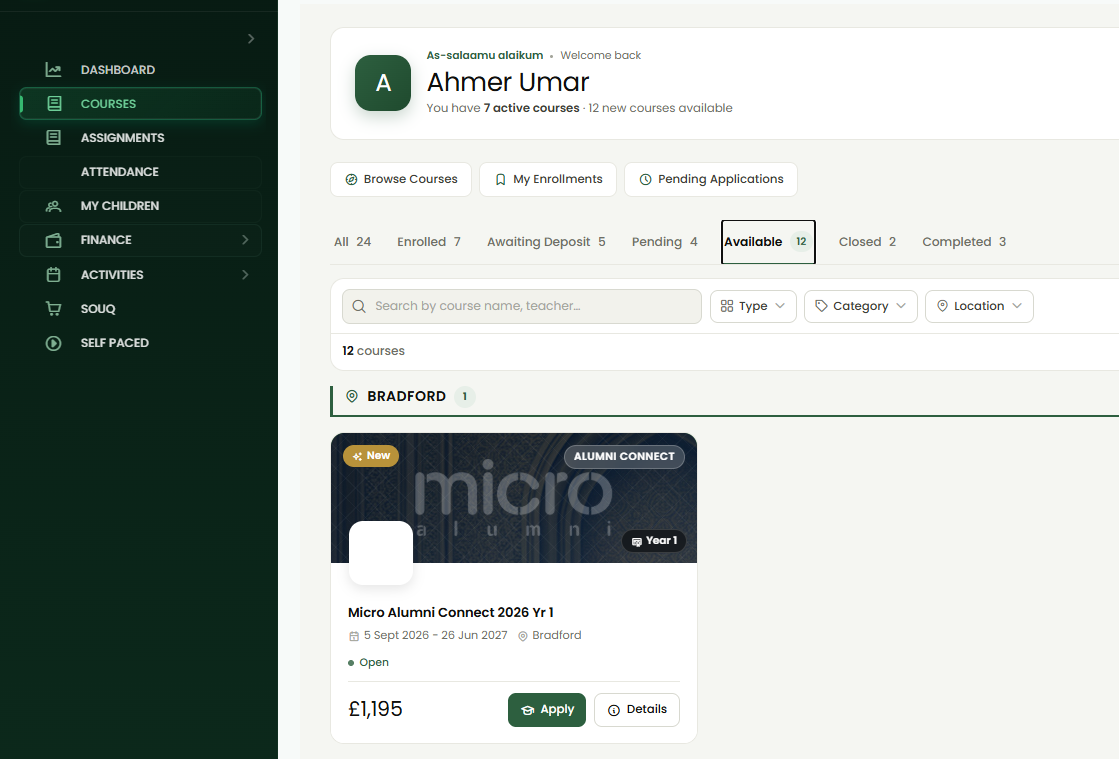
Filter by category and location to find the Micro Alumni Connect course. - 5
Apply for your course
Select the Micro Alumni Connect 2026 Yr 1 course (£1,195) and click Apply. You’ll work through a clear four-step application: course information, study background, payment plan, and terms & conditions.
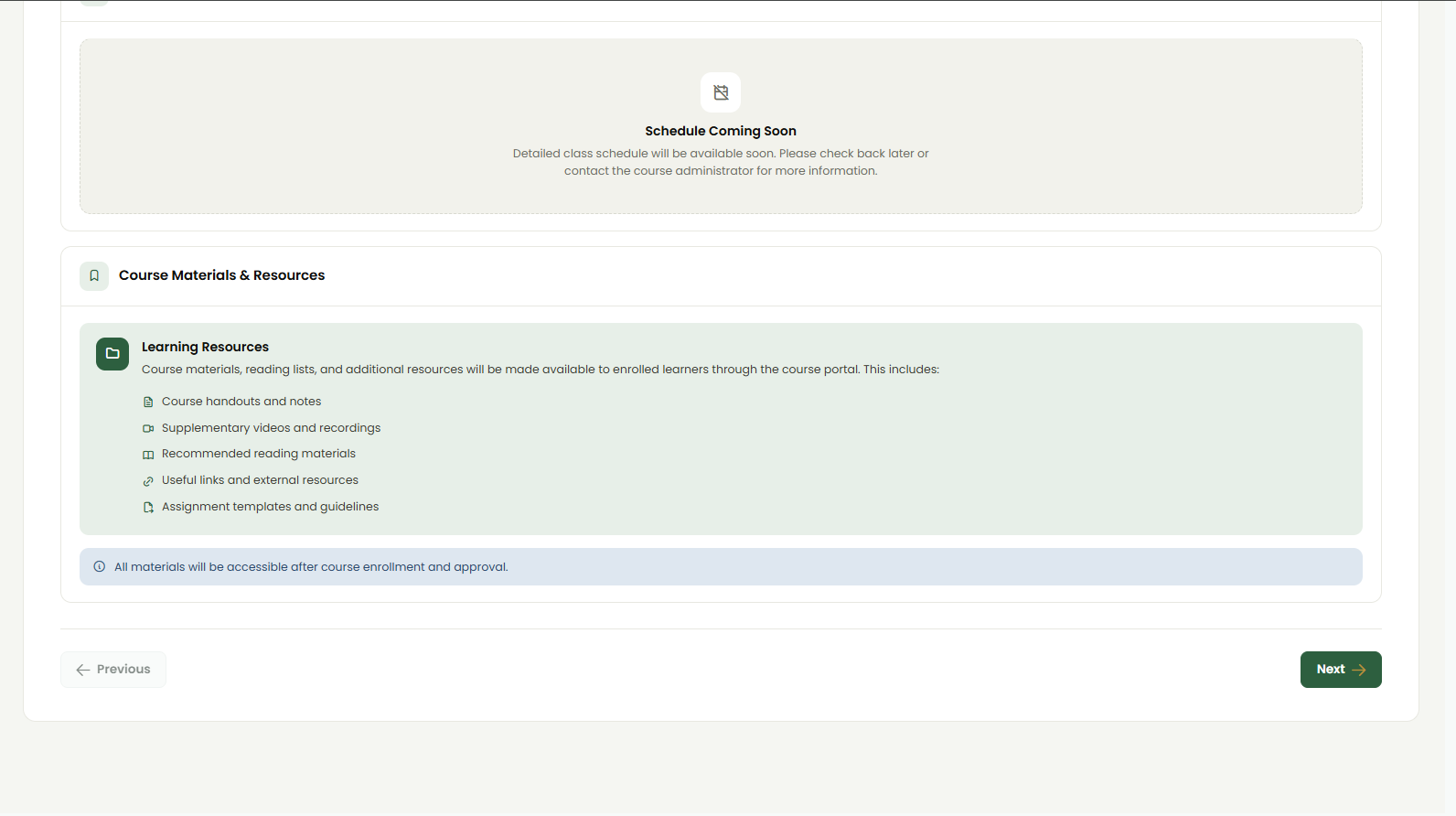
Review the course schedule and learning resources, then continue. 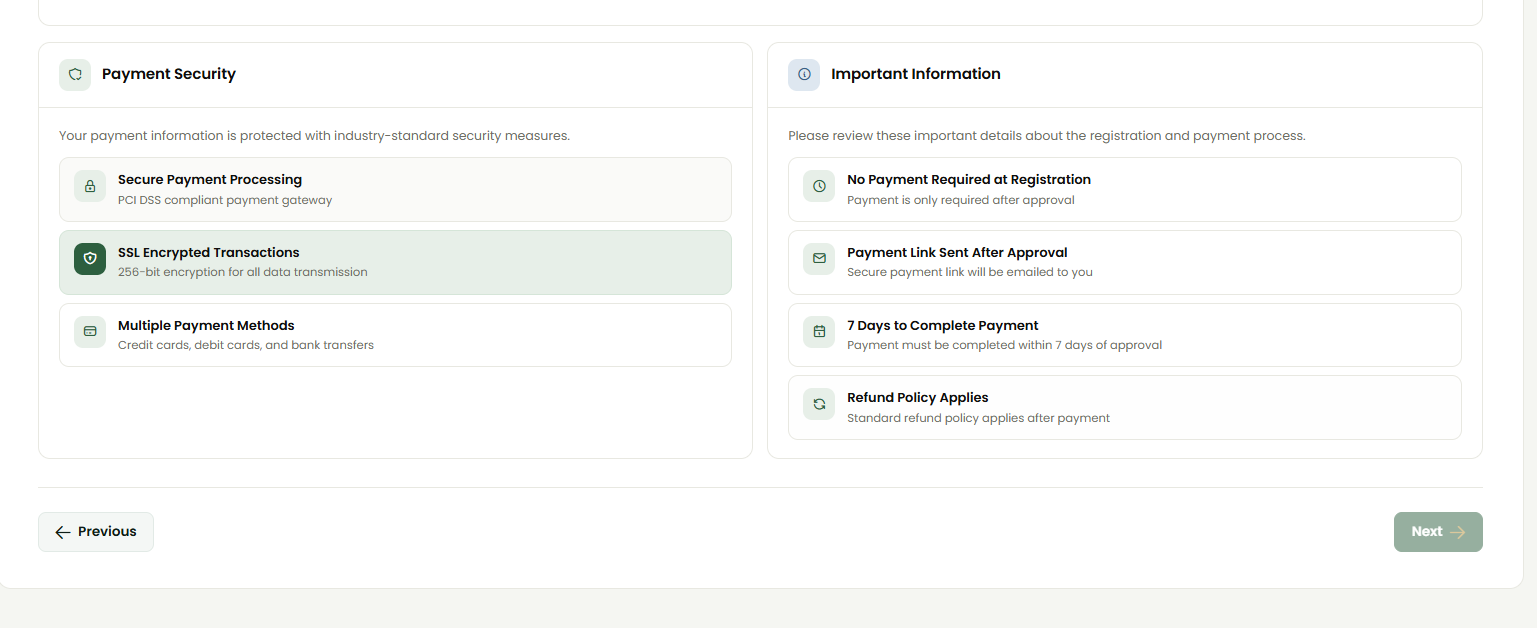
No payment is required at registration — a secure link follows approval. 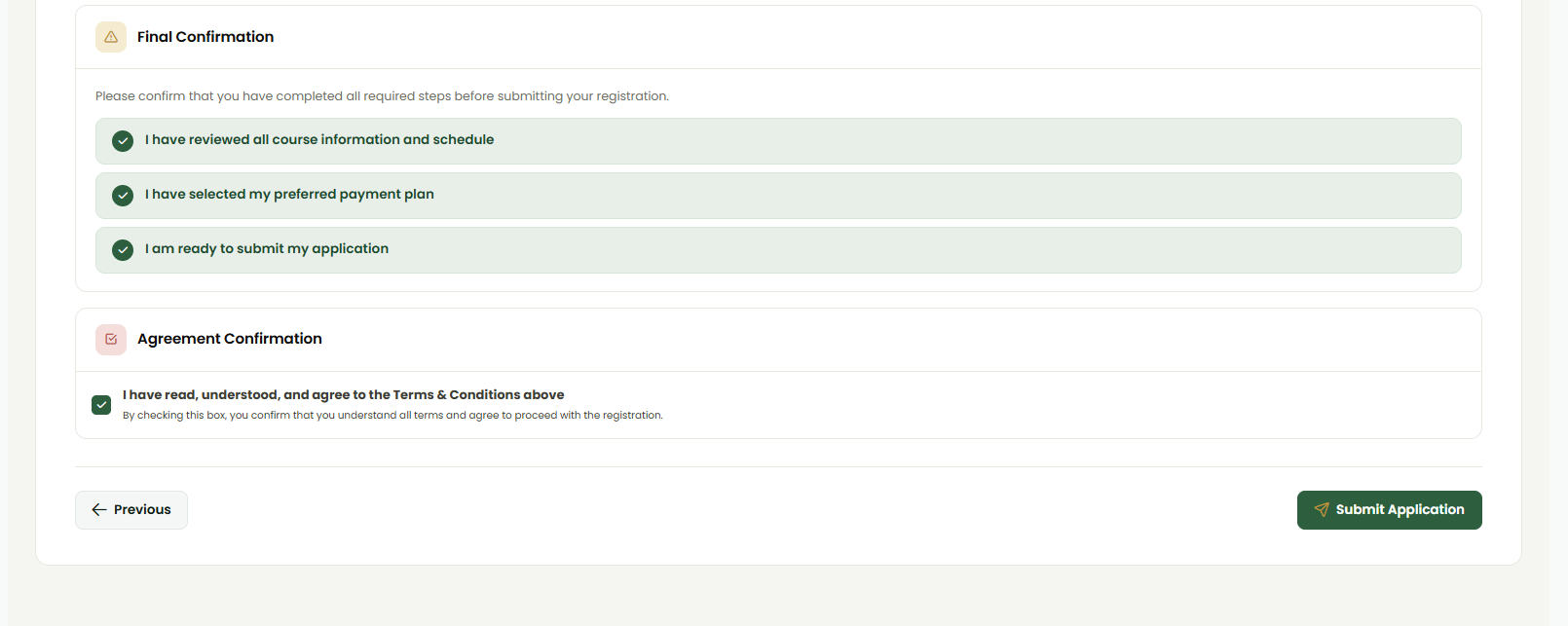
Confirm each item on the final step, then “Submit Application”. Complete all steps, choose a payment plan and submit.
- 6
Wait for approval
After submitting, your course moves from Available to Pending. A Course Administrator reviews your application — usually within 1–3 days — and emails you once it’s approved, inviting you to log in and pay your deposit.
AvailablePendingApproved · Payment required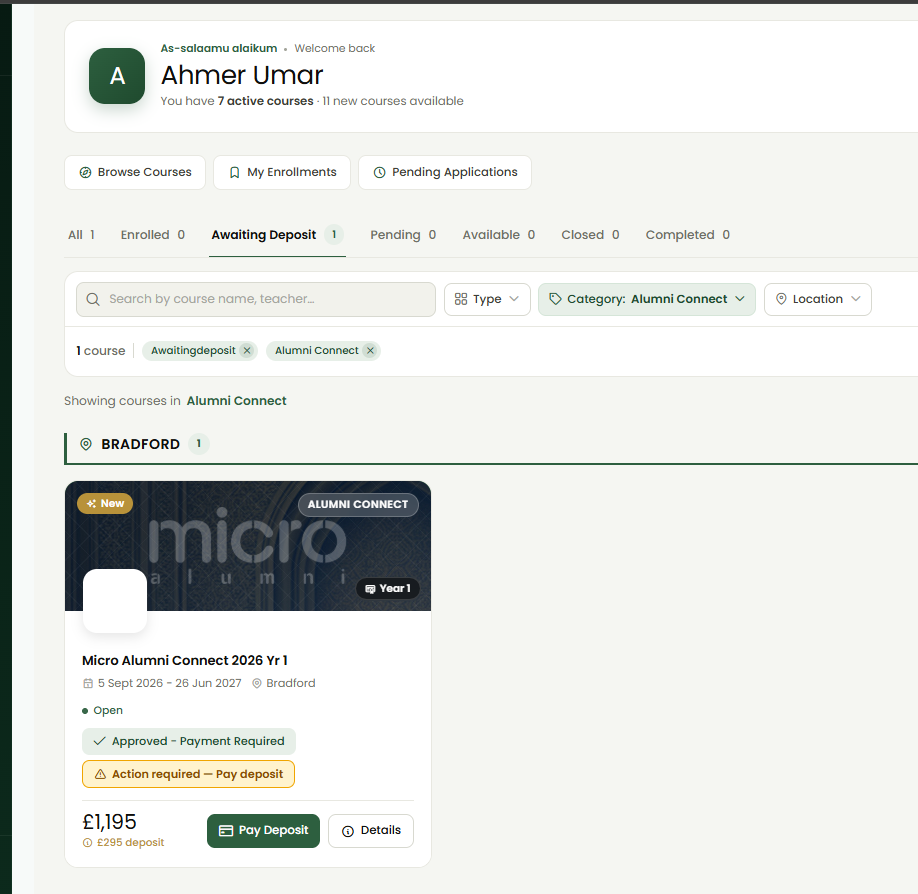
Once approved, the course shows “Payment Required” with your £295 deposit. - 7
Pay your deposit & enrol
After paying the £295 deposit, your course moves to Enrolled, giving you access to course materials and the schedule.
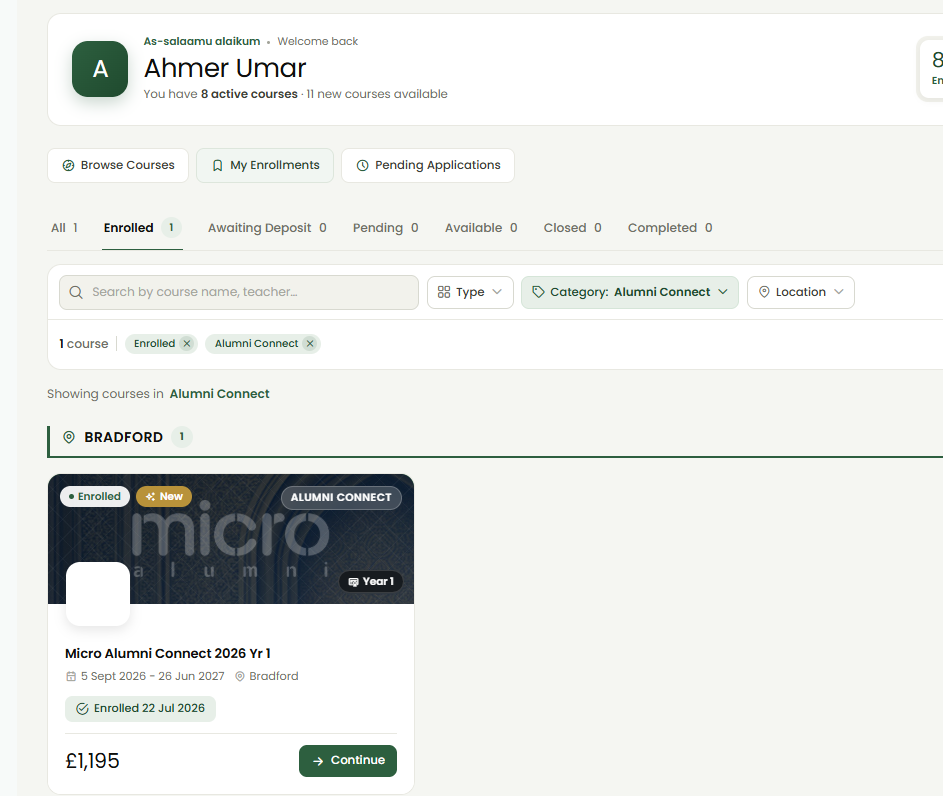
Your enrolled Micro Alumni Connect course, ready to continue.